
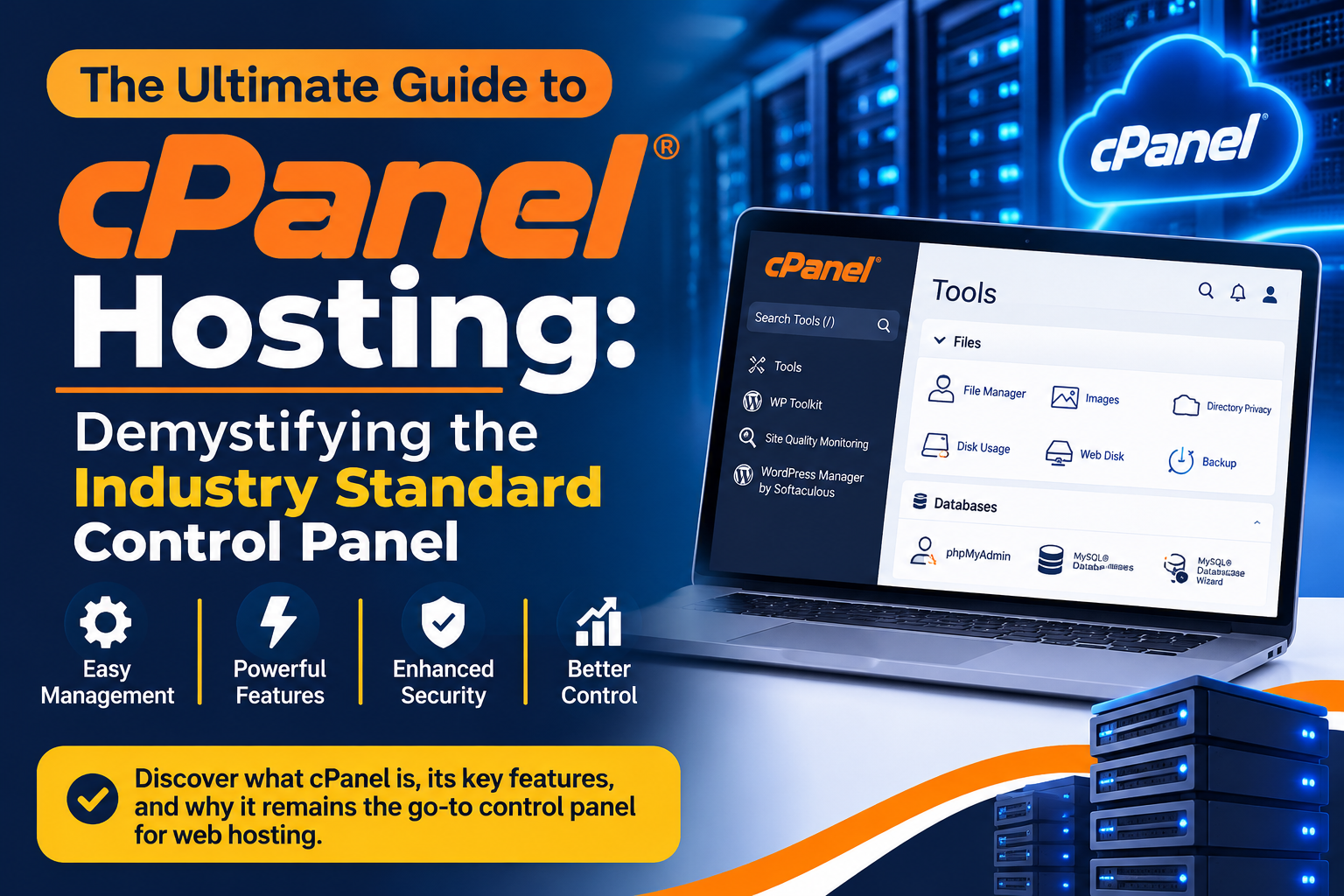
The Ultimate Guide to cPanel Hosting: Demystifying the Industry Standard Control Panel
For anyone stepping into the world of web hosting and server management, navigating raw command lines and Linux terminal configurations can feel like trying to read a foreign language without a dictionary. Fortunately, the web hosting industry has long relied on a unifying, user-friendly interface that transforms complex server administration into simple, visual points of interaction: cPanel.
Whether you are launching your very first personal blog, managing a growing portfolio of client websites, or scaling an enterprise e-commerce platform, understanding cPanel hosting is vital to getting the most out of your digital infrastructure.
What Exactly is cPanel?
At its core, cPanel is a Linux-based web hosting control panel that provides a graphical interface (GUI) and automation tools designed to simplify the process of hosting a website. Developed to run on Virtual Private Servers (VPS) or dedicated servers, cPanel sits on top of your operating system, acting as an interpreter between you and the raw server environment.
Instead of writing scripts or typing out Secure Shell (SSH) commands to create email accounts, map domains, or modify files, cPanel lets you achieve the same results with a few clicks of your mouse.
The Dynamic Duo: cPanel and WHM
When exploring cPanel hosting, you will frequently encounter another acronym: WHM (Web Host Manager).
- WHM is the administrative backend. It allows server owners and hosting resellers to create individual cPanel accounts, manage bandwidth allocations, set up hosting packages, and control overall server security.
- cPanel is the user-facing control panel tailored to the individual website owner. Once a WHM administrator creates an account, the user logs directly into cPanel to manage their specific domain, files, databases, and emails.
Core Features That Make cPanel Irreplaceable
While alternative panels have emerged over the years, cPanel remains the gold standard due to its comprehensive, well-structured ecosystem of tools. Here are the core pillars of the cPanel dashboard:
- The File Manager: Your website’s central hub. It provides a browser-based interface resembling Windows Explorer or macOS Finder. You can upload files, organize them into clean directory structures like
public_html, edit scripts on the fly using the built-in code editor, and manage file permissions without ever touching an FTP client. - Database Management (MySQL & phpMyAdmin): Modern dynamic websites powered by content management systems (CMS) like WordPress, Joomla, or Drupal rely heavily on databases. cPanel simplifies database creation via the MySQL Database Wizard, allowing you to spin up databases, generate secure user accounts, assign granular privileges, and interact directly with your database tables using phpMyAdmin.
- Professional Email Account Management: Relying on generic email addresses for a business can hurt brand credibility. cPanel allows you to create unlimited custom email accounts tied directly to your domain (e.g.,
[email protected]). It includes built-in webmail clients (like Roundcube), spam filters, auto-responders, and email forwarding configurations. - Domain and DNS Management: Managing your web real estate is seamless. Through the cPanel dashboard, you can configure Addon Domains to host multiple unique websites under a single hosting plan, set up subdomains (e.g.,
shop.yourdomain.com), create domain redirects, and manage foundational DNS records.
Security, Automation, and Backups
In today’s digital threat landscape, security is paramount. cPanel integrates robust features to keep websites protected out of the box:
- AutoSSL: cPanel automates the deployment and renewal of free SSL/TLS certificates, instantly enabling HTTPS encryption across your websites to protect user data and boost search engine rankings.
- Two-Factor Authentication (2FA): Securing the cPanel login portal itself with 2FA prevents unauthorized administrative access.
- Cron Jobs: For advanced users and developers, cron jobs allow you to automate repetitive tasks—such as clearing system caches, running database optimizations, or triggering automated script routines at scheduled intervals.
- Backup Wizards: cPanel provides native tools to generate full or partial account backups, allowing you to download archives locally or migrate seamlessly to new hosting providers.
Why Portability Matters
One of the most understated benefits of cPanel hosting is portability. Because thousands of web hosting providers worldwide utilize cPanel, the layout, file structures, and database formats remain standardized.
If you outgrow your current web host or experience poor support, migrating your entire website to a new cPanel powered host is remarkably straightforward. Generating a full backup file on Host A and restoring it on Host B takes only a few clicks, ensuring you are never locked into a single provider.