
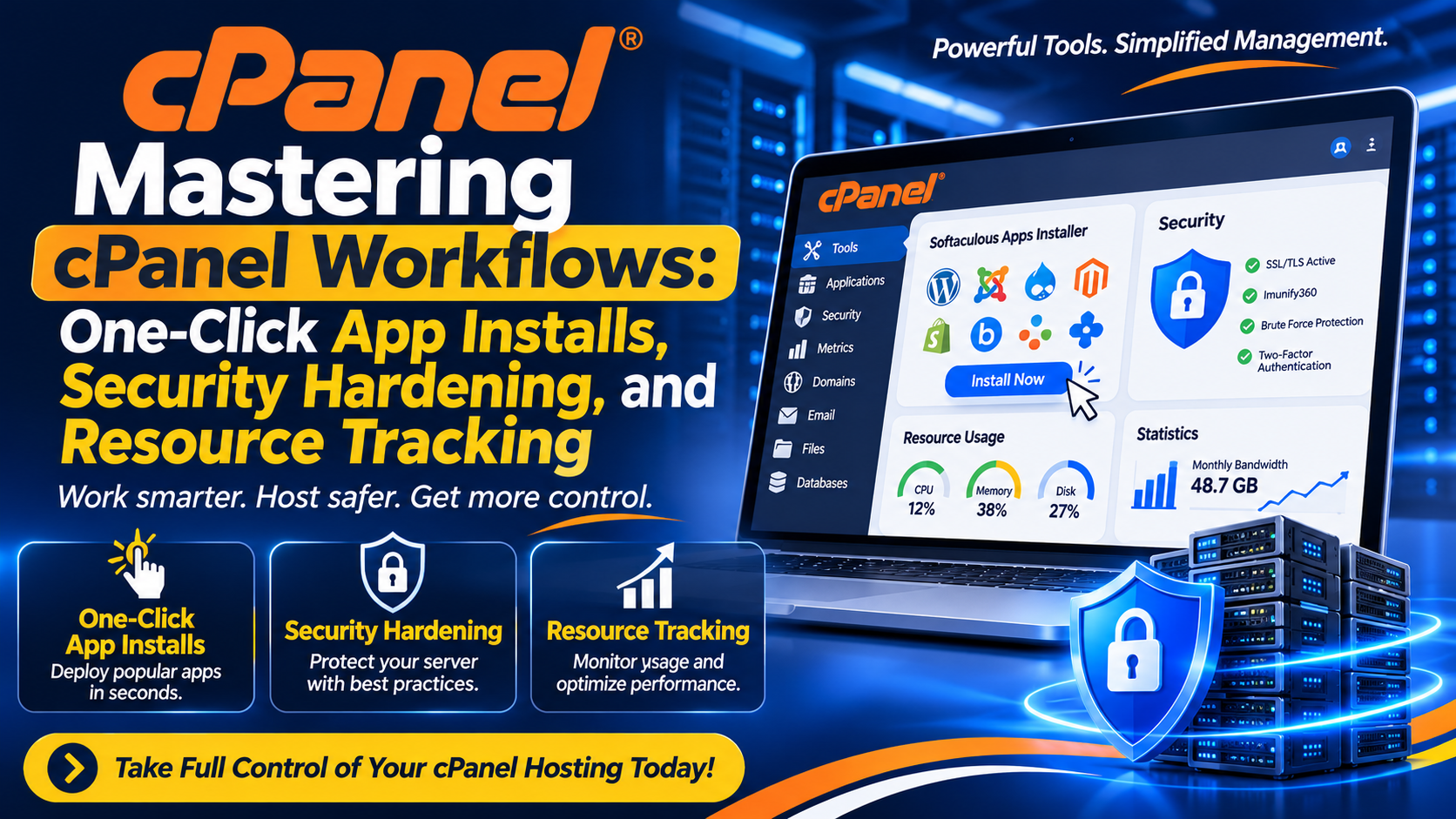
Mastering cPanel Workflows: One-Click App Installs, Security Hardening, and Resource Tracking
Transitioning from a casual website owner to a proficient digital manager requires diving deeper into the specialized tools cPanel offers. While file management and email creation form the baseline of everyday tasks, cPanel’s true power lies in its capacity to streamline application deployment, enforce rigorous security, and monitor server resource health in real time.
Let's explore the advanced workflows that elevate your cPanel hosting experience from basic administration to professional-grade management.
Accelerating Deployment with One-Click Installers
Gone are the days of manually downloading core software packages, creating empty databases via command lines, and editing configuration files line-by-line just to spin up a content management system.
Most modern cPanel hosting environments feature application installers like Softaculous or Installatron. These tools bridge the gap between raw server infrastructure and end-user applications. With a single click, you can deploy hundreds of popular web applications—including WordPress, Magento, Laravel scripts, phpBB forums, and CRM tools.
What Happens Behind the Scenes?
When you use a one-click installer through cPanel, the utility automatically:
- Creates a dedicated MySQL database and assigns a secure user profile.
- Extracts application files directly into your target directory (such as
public_html). - Writes and configures foundational configuration files (like
wp-config.phpfor WordPress). - Sets up administrative credentials, allowing you to log into your new application dashboard within seconds.
Hardening Your cPanel Security Posture
Websites face constant automated vulnerability scans and brute-force attacks from malicious bots. Relying solely on default settings is a recipe for disaster. cPanel provides several built-in security features that, when configured correctly, create a fortress around your digital assets.
1. IP Blocker and Access Control
If your error logs reveal repeated malicious login attempts originating from specific IP addresses or subnets, you can intercept them proactively. The IP Blocker tool allows you to blacklist individual IP addresses or ranges, cutting off their access to your server completely before they can probe your application layers.
2. Directory Privacy
For staging environments, internal corporate documents, or custom administrative folders, you can add an extra layer of defense via Directory Privacy (formerly Password Protect Directories). This forces any browser attempting to access a specific folder to present valid HTTP authentication credentials before viewing the contents.
3. ModSecurity Integration
Many cPanel distributions integrate ModSecurity, an open-source web application firewall (WAF). Through your cPanel interface, you can monitor or adjust rules that inspect incoming web traffic in real time, automatically blocking common attack vectors such as SQL injection (SQLi) and cross-site scripting (XSS).
Monitoring Performance via Metrics and Resource Usage
Understanding how your website consumes server resources is critical for preventing unexpected downtime, especially during traffic spikes. cPanel features a dedicated Metrics section that gives you deep visibility into your hosting environment:
- Error Logs: Displays recent server-side errors, missing file notices, and PHP warnings. This is the first place you should check when troubleshooting broken pages or script failures.
- Visitors and Raw Access Logs: Provides statistical breakdowns of traffic sources, user agents, and bandwidth consumption patterns.
- Resource Usage Dashboard: On modern Cloud and VPS environments running cPanel, this tool displays real-time tracking of your CPU usage, physical memory (RAM), input/output (I/O) speeds, and concurrent entry processes. If your site triggers resource limits, this dashboard pinpoints whether a poorly optimized plugin or a surge in traffic is the root cause.